Package Name:ai.character.app
SHA-256:7fdf9c862dbdec2c09d525aa24c15795ab2134453506ce2386fd6461ea2e9993
Show More


Character AI brings a large, active community of creators and fans together around interactive characters. People discover AI characters by many genres, then talk naturally through typing or by speaking. The Character AI app helps users explore these conversations at their own pace while keeping the experience centered on roleplay, storytelling, and casual chat with characters that feel consistent across sessions.
Natural chats that remember context
Character AI carries context from earlier messages so replies stay consistent with your past conversations. The app adjusts to your style over time for smoother back and forth. This helps longer chats stay on topic.
Live voice calling alongside text
You can speak with characters using Character Calls, then switch back to typing when needed. Voice and text work in the same conversation without starting over. This supports hands free moments and quick replies.
Millions of user-made AI characters
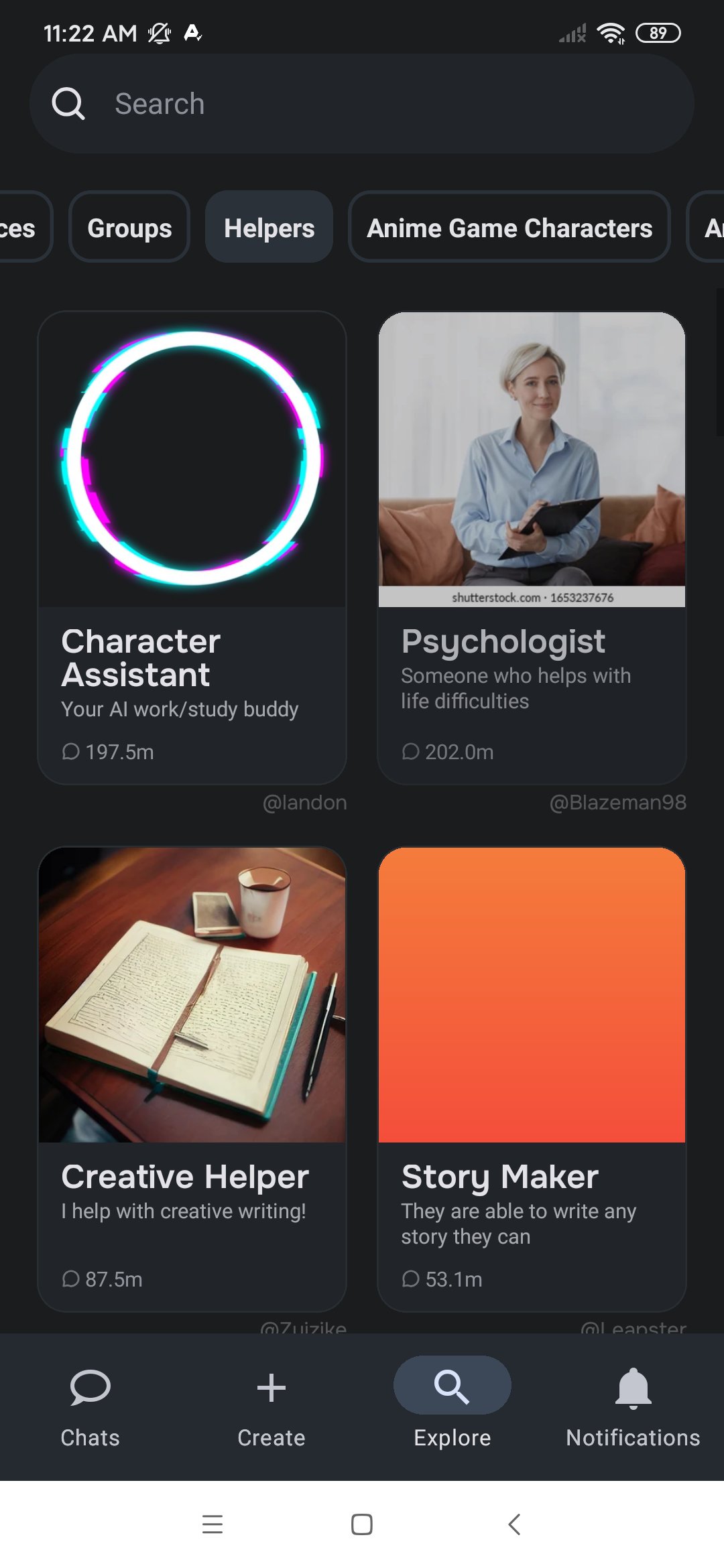
Character AI lets you browse a wide range of user generated AI characters across many themes. You can move from serious storytelling to light roleplay and casual small talk. Discovery tools help surface new profiles daily.
Simple creation tools for your own AI chatbots
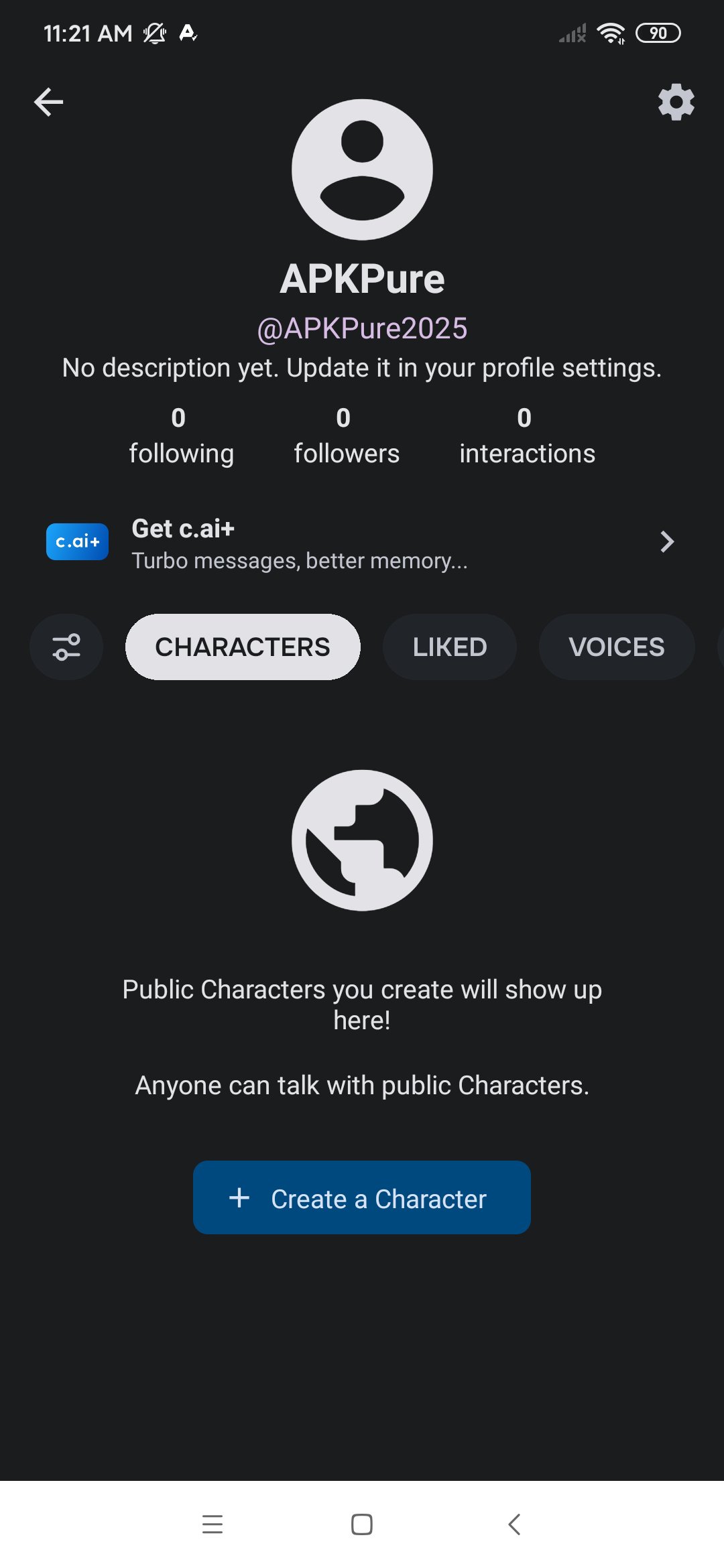
You can build a character by setting personality, backstory, and voice without coding knowledge. Draft a short description, tune how it should respond, and publish when ready. Updates are easy to make as feedback comes in.
Community features for sharing and following
Character AI: Chat, Talk, Text includes feeds to find fresh characters and follow favorite creators. You can share your own profiles and see how people interact with them. Conversations and calls are available without daily quotas.
According to the developers, no data will be shared with third parties for unrelated purposes. Data is encrypted during transmission to protect the content of messages in transit. Users can also request account or data deletion through available support channels, allowing them to use Character AI for conversations, chats, and sharing feelings.
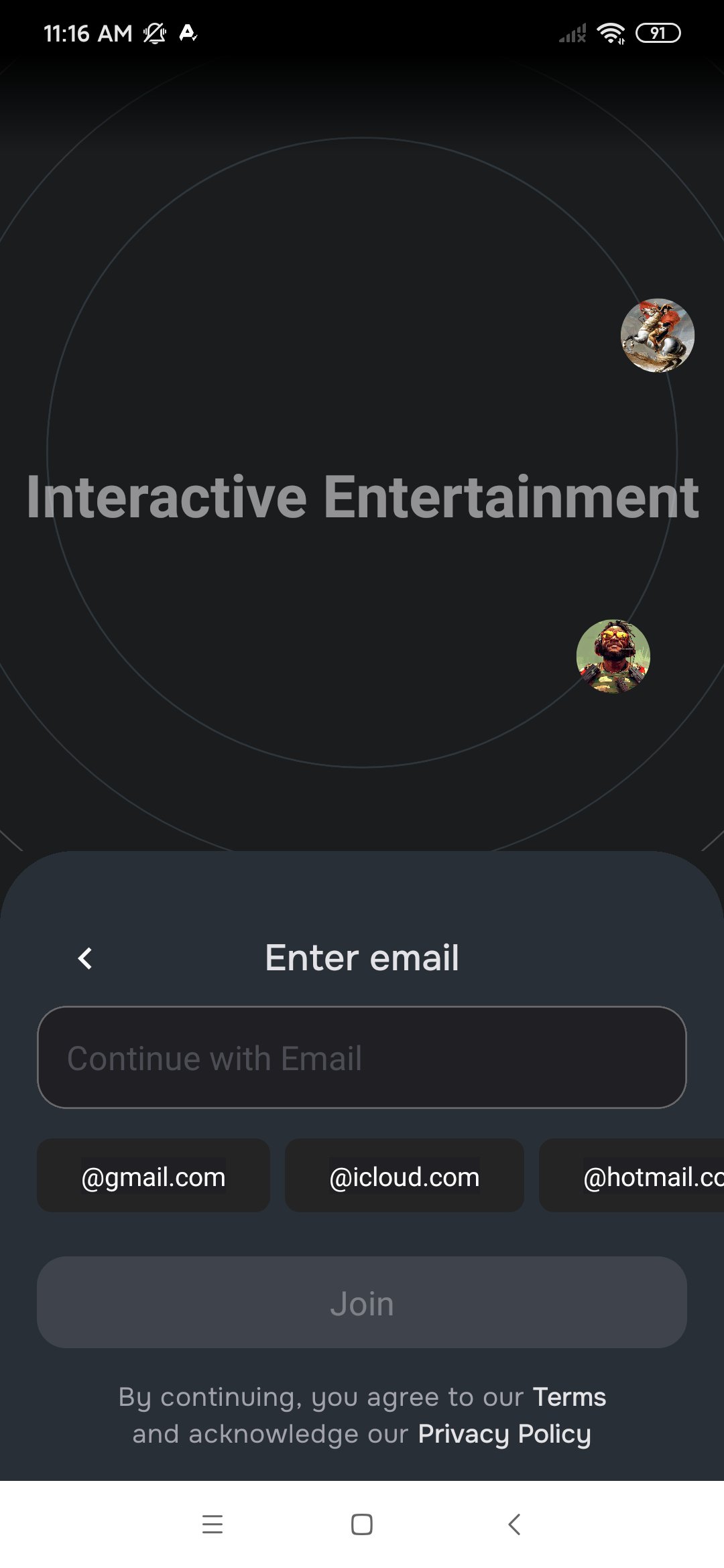
You need an account to chat with characters and to use Character Calls. Sign up usually takes about ten seconds with Google, Apple, or email, and it enables history, favorites, and creation tools. In addition, staying logged in also helps the app remember the context between different conversations, resulting in more coherent dialogue.
Getting started with Character AI takes a few minutes. This quick guide shows how to begin chatting, place a Character Call, and create a character. It focuses on the essential steps so you can get value right away.
Download Character AI APK latest version from APKPure and install it on your device.
Open the app and explore the home feed or use search to find a character.
Tap a character card and start typing your first message to begin the chat.
If you prefer to talk, start a Character Call from the chat screen and speak naturally.
Move between text and voice during the same session as the situation changes.
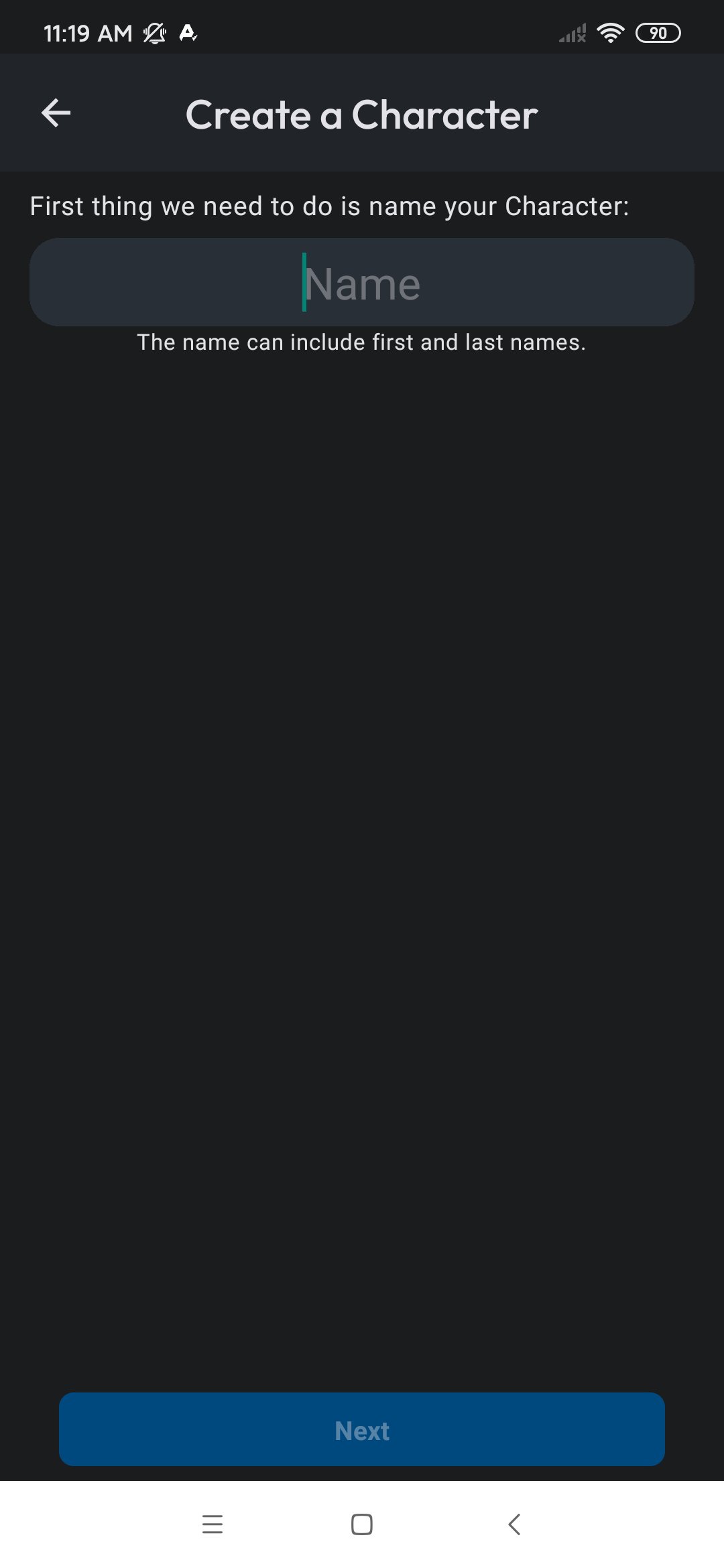
When ready, create your own character by setting personality and backstory, then publish.
Character AI brings text and live voice together for consistent roleplay with user made characters. Get the latest Character AI APK on APKPure to begin chatting and try community creations.
For official help or more details, visit the resources below.
Official website: https://character.ai/
Support email: support@character.ai
Can Character.AI do text-to-speech?
Yes, Character AI upports spoken conversations through Character Calls and character Voices. You can hear responses and reply by speaking or typing. Switching between voice and text happens in the same chat.
Why do I see ads in Character AI?
Character AI is free to use, but it does include ads and offers optional in-app purchases. Some users have mentioned seeing frequent or unskippable ads when switching characters, which can interrupt the flow. For those who prefer an ad-free experience and extra perks, the optional Plus membership is available within the app.
Is Character.AI 18+ now?
Yes. Character.AI has officially restricted its open chat feature to 18+ users to improve security.
Latest Version
1.15.6Uploaded by
Antonio Zagarrio
Requires Android
Android 7.0+
Category
Free Entertainment AppContent Rating
Teen · Diverse Content: Discretion Advised
Security Report
Check Now
Report
Flag as inappropriateLast updated on Apr 11, 2026
Bug fixes and other improvements





APKPure - A multi-platform app store primarily focused on Android, providing extensive app-related content. Discover the app you want easier, faster, and safer, with quick and efficient downloads and installations.