Package Name:idm.internet.download.manager
SHA-256:b31bb024f41b8e18658caceffe110162445ba835d37ca0491f37070fd7e86c79
Show More


1DM helps when you need to save videos, music, and documents quickly on your phone. It brings a privacy-aware browser together with a dependable downloader, so you can handle links and media in one place. In everyday use, it focuses on consistent performance and clear controls that are easy to understand. If you want to download 1DM, you get a tool built to manage common mobile downloads without extra steps. As a result, routine tasks feel simpler and more organized.
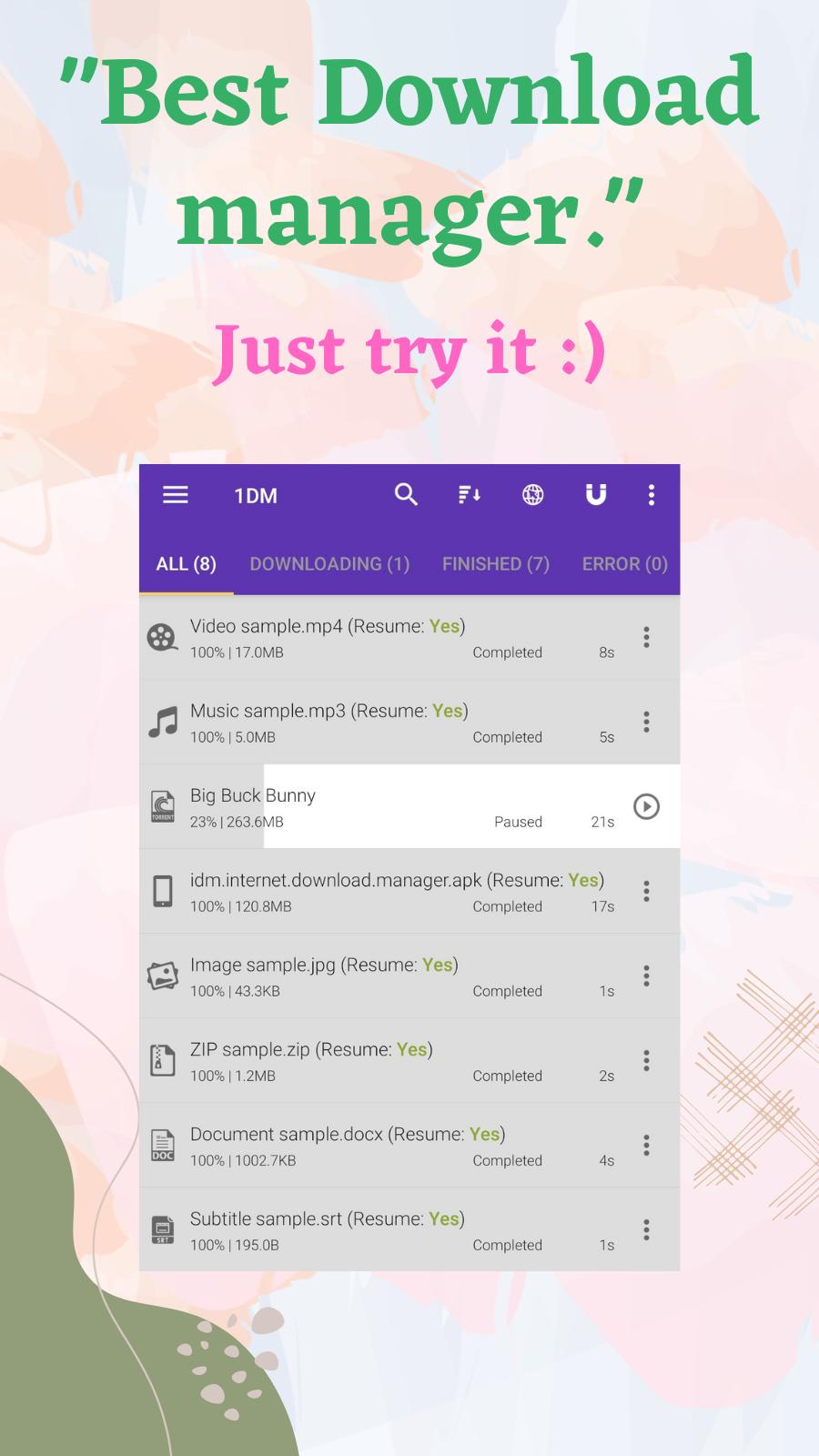
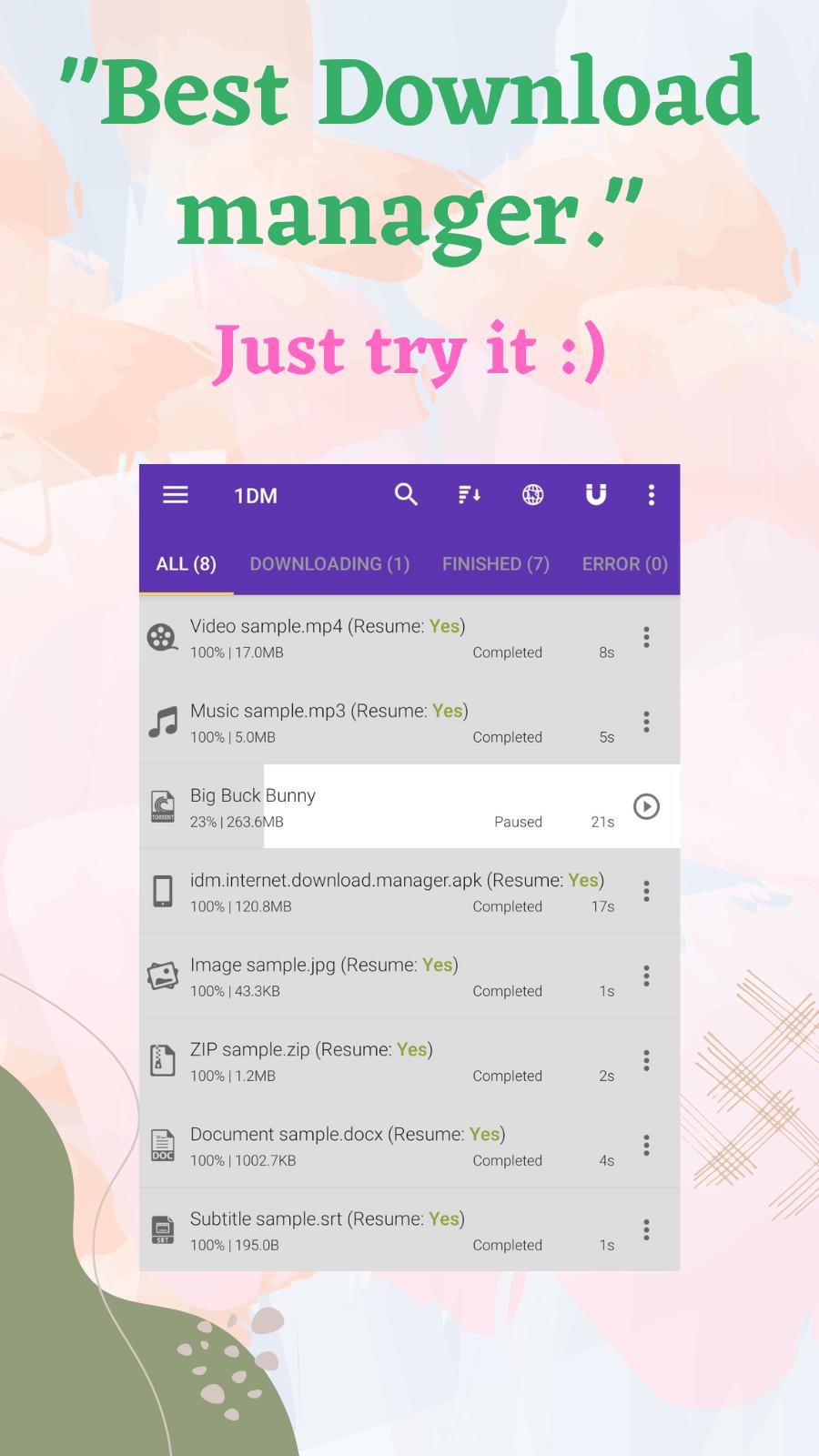
Multi part acceleration and pause or resume
1DM can split a file into up to 16 parts to increase transfer speed. You can pause and resume when the connection changes, and large files are handled without heavy memory use. This keeps downloads stable across different network conditions.
Private browser with blocking and cleanup
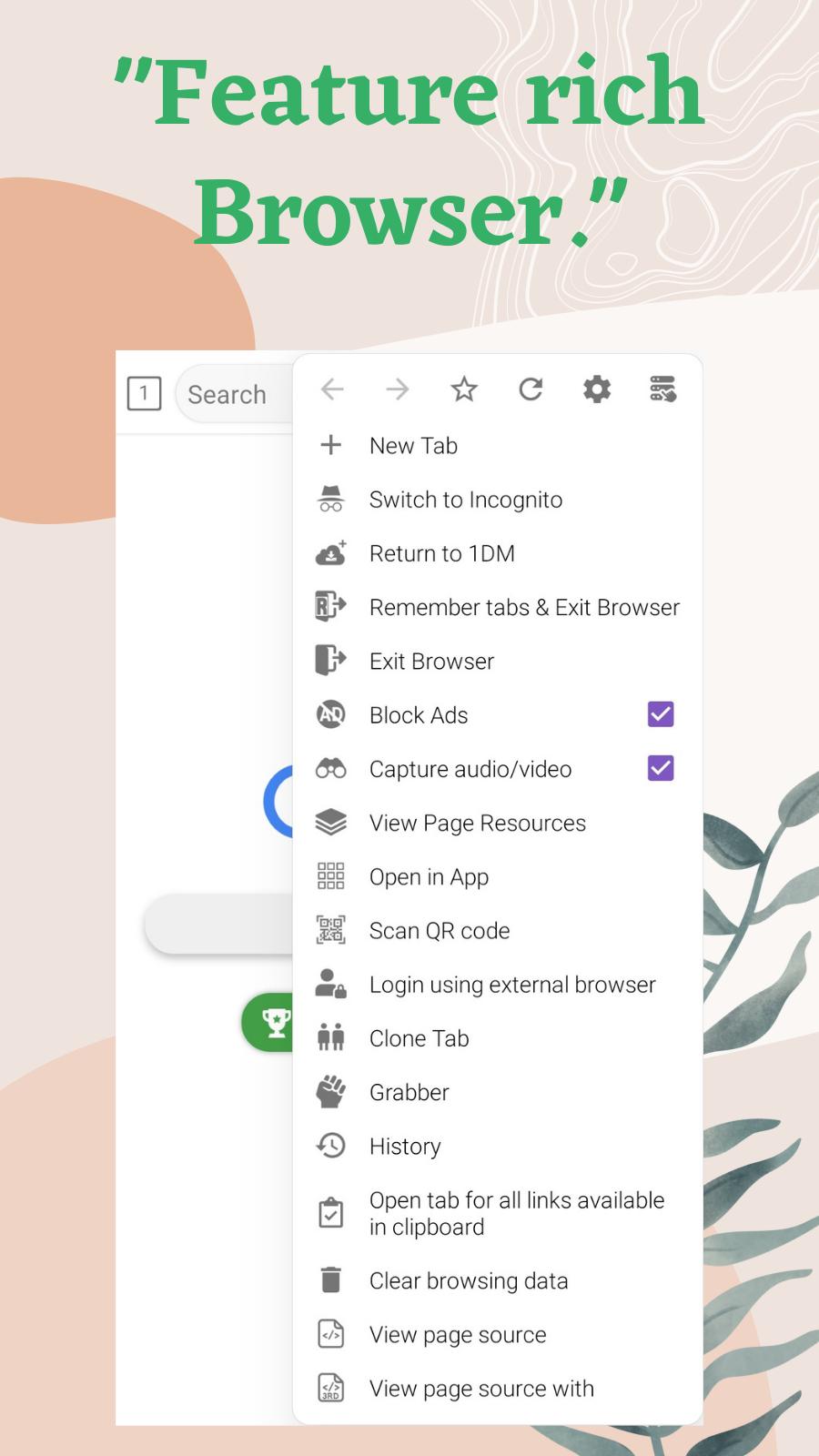
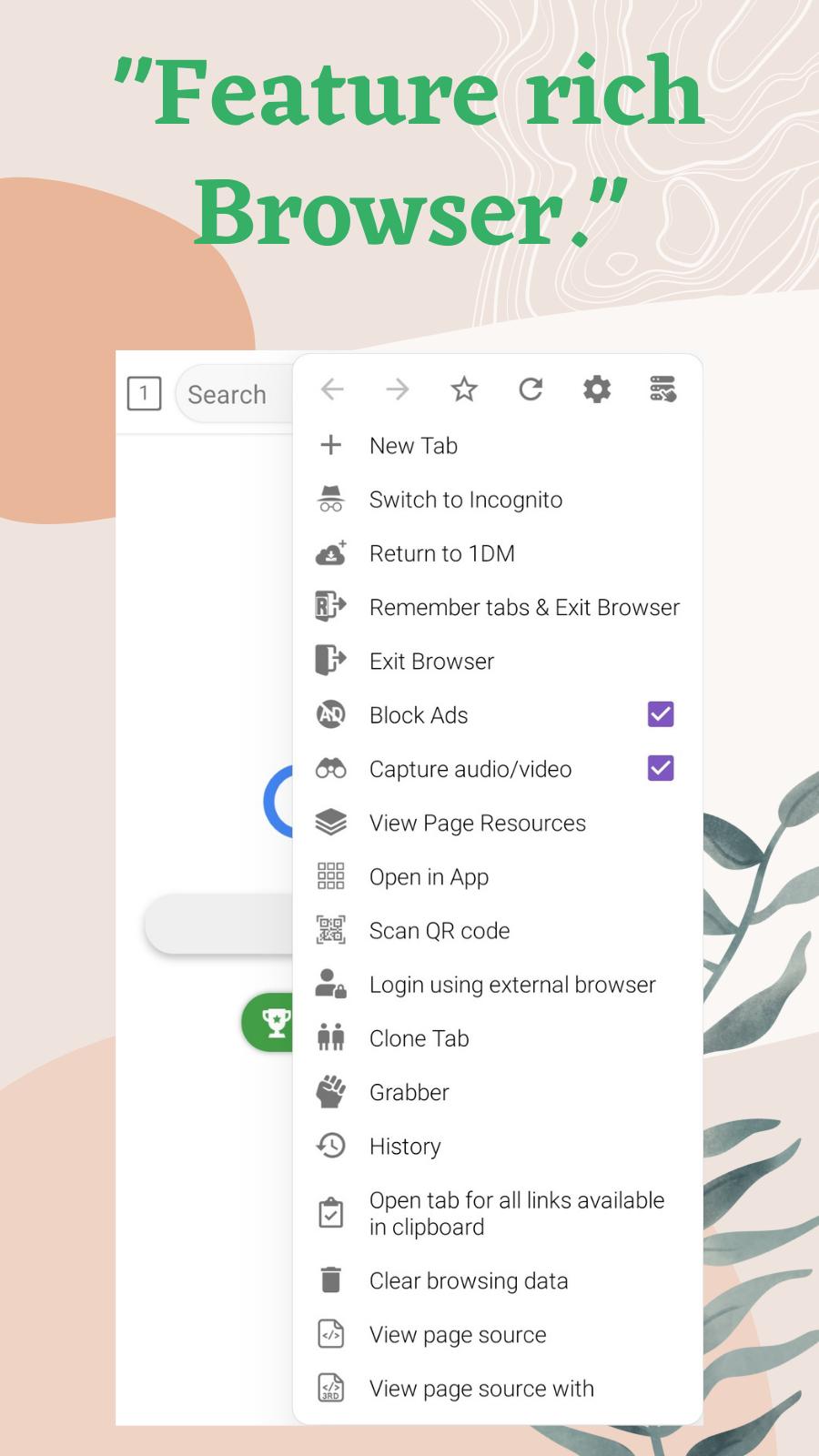
The built-in browser blocks ads, popups, and trackers to reduce distractions and data collection. You can use incognito mode when you do not want history saved, then clear cache, cookies, and recent pages in a few taps. This separates browsing from downloads and supports privacy by design.
Automatic media capture and background saving
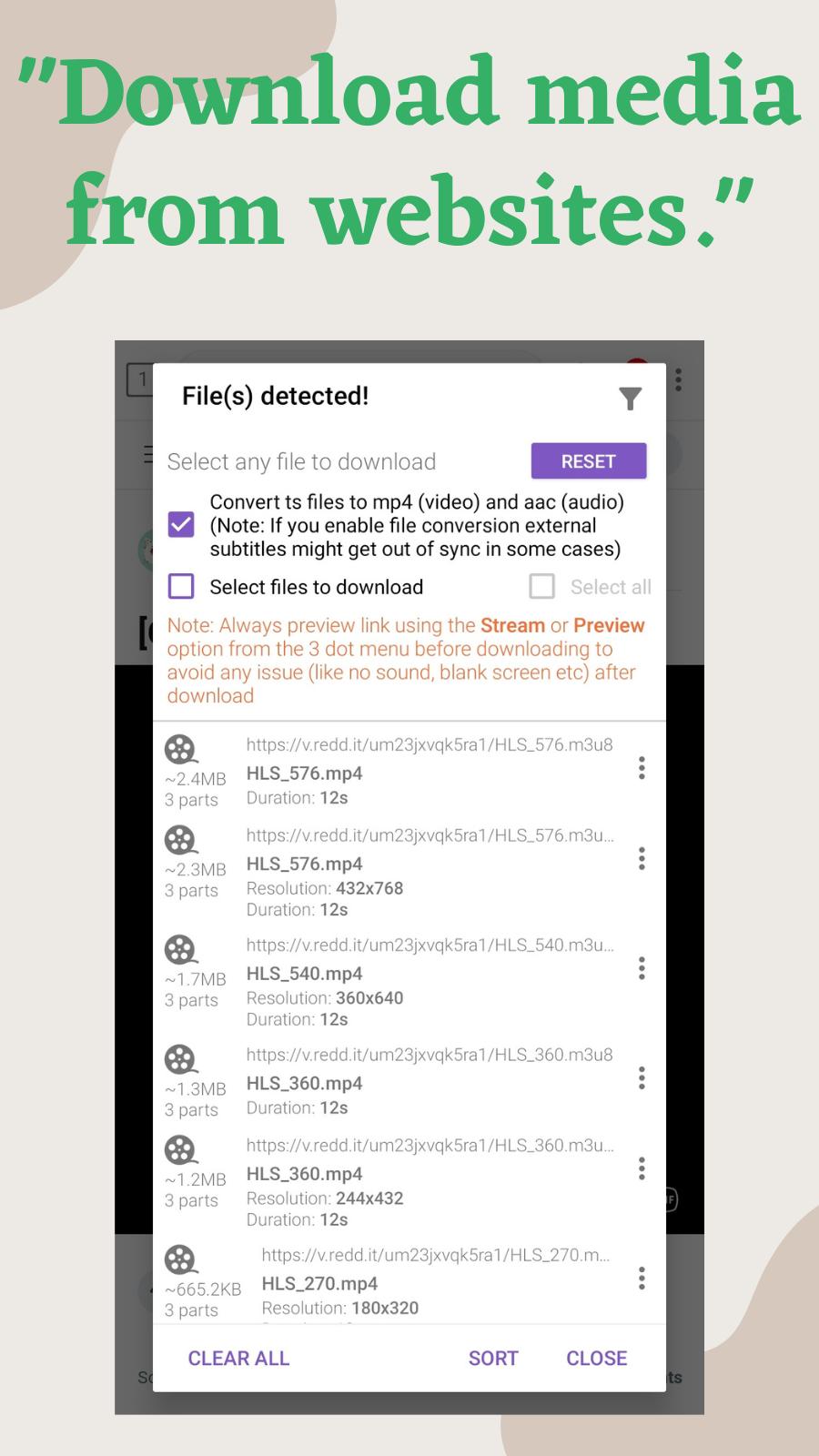
1DM detects videos, music, and images on many websites and social platforms, then offers a direct save. You can continue using your phone while downloads run in the background, and store sensitive files in a hidden folder. Smart clipboard monitoring also picks up copied links for quick actions.
Torrent downloader with magnet and file support
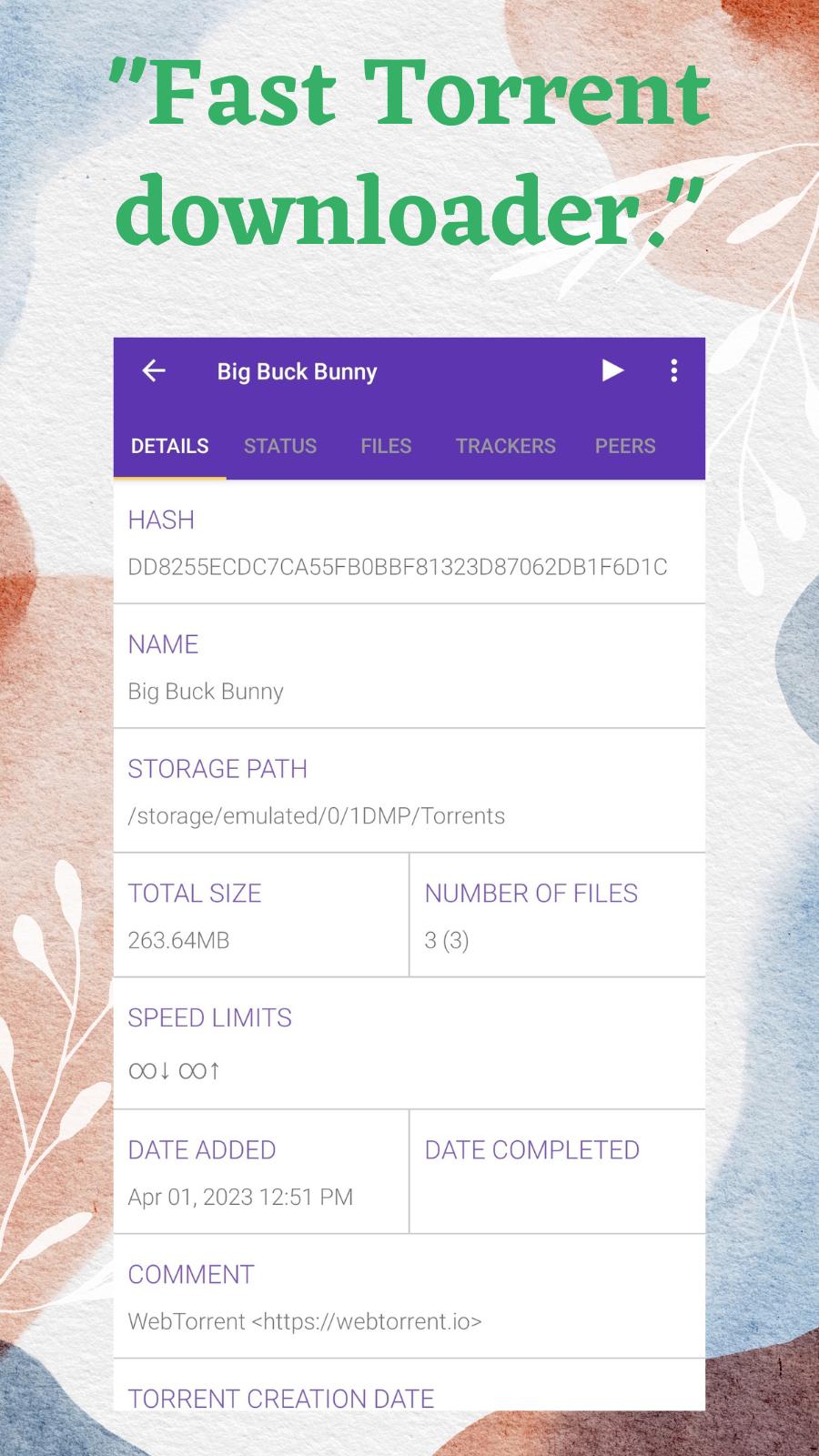
You can add magnet links, paste torrent URLs, or open a local .torrent file to start transfers. Multiple torrents can run at once, and you control each task from a single list. This makes 1DM a practical torrent downloader on mobile.
Streaming playlists and TS to MP4 conversion
1DM supports m3u, m3u8, and MPEG DASH playlists, and can convert segment files to MP4 automatically. With detected streams, you start a save in one tap and get a playable video at the end. This helps 1DM function as a straightforward video downloader for supported streams.
Downloading from YouTube is not supported in 1DM due to YouTube terms of service. Respect copyright and only download content you own or have permission to use. 1DM was previously known as IDM on Android, and it is not the desktop IDM product. The app is designed for Android phones and tablets.
For help with common questions, you can visit the official FAQ for guidance on storage paths, SD card moves, Google Drive downloads, and video detection. You also find tips on managing background or hidden downloads and organizing files by type. Power users can consider 1DM+, which offers no ads, a scheduler, up to 32 parts per download, and up to 30 simultaneous downloads. The FAQ is available at https://www.apps2sd.info/idmp/faq.
After installing the 1DM APK, you can start capturing links and media directly in the app. The steps below outline a simple flow on Android.
1DM brings a private browser and a flexible downloader into one app. If you need stable saves for files, media, torrents, and streams, the 1DM latest version offers a clean way to manage it on mobile.
For official help and contact, use the resources below.
Latest Version
18.2Uploaded by
Gtx Sahl
Requires Android
Android 7.0+
Category
Free Tools AppContent Rating
Mature 17+
Security Report
Check Now
Report
Flag as inappropriateLast updated on Apr 9, 2025
★★ Download Video, Music, Movie, Torrent with fast speed and pause/resume download support ★★
Fixed Application hang issue
Improved video capture speed
Fixed Google drive file download issue
Other minor fixes
Read full changelog @ https://apps2sd.info/idm/changelog.html



APKPure - A multi-platform app store primarily focused on Android, providing extensive app-related content. Discover the app you want easier, faster, and safer, with quick and efficient downloads and installations.